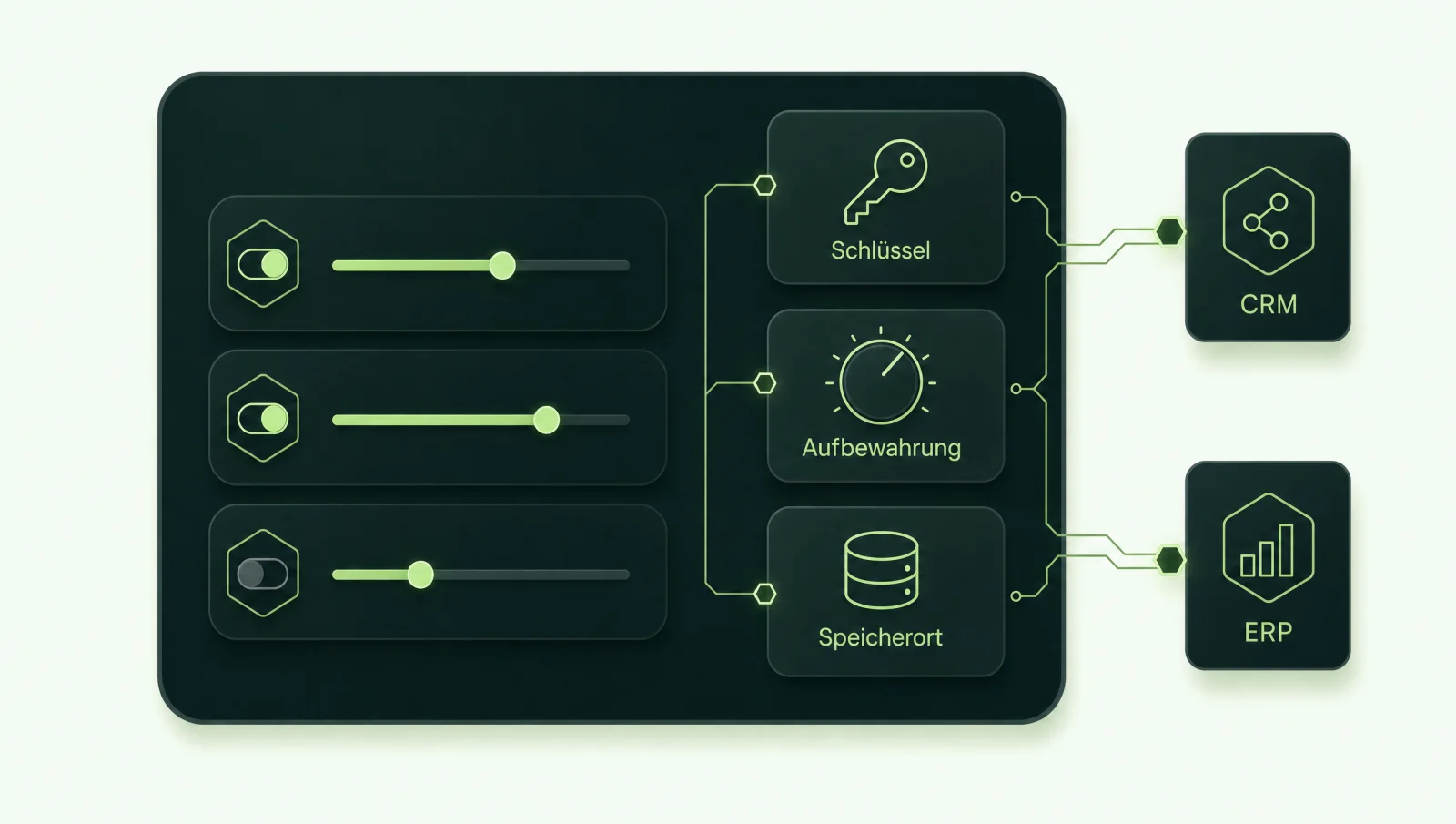
In short: Business is the entry point for teams (new workspaces up to 200 seats). Enterprise is the package with SCIM, the Compliance API, configurable retention and optional EU data residency, with inference residency on request (only in the US when purchased through AWS Marketplace). Even without an integration, ChatGPT helps with writing, research and file analysis. Connecting it to your systems extends its value for tasks that need current company data.
Which ChatGPT plans are available for businesses?
For businesses there are ChatGPT Business and ChatGPT Enterprise, plus ChatGPT Edu for educational institutions. Until 29 August 2025, Business was called “Team”. According to OpenAI, the renaming itself did not change the feature set (OpenAI Business FAQ, as of November 2026).
Business requires at least two paid seats. For workspaces created on or after 24 August 2026, the upper limit is 200 seats. Older workspaces keep their existing limit. Enterprise is intended for organisations with central administration and is not purchased by individuals on a self-serve basis (OpenAI, What is ChatGPT Enterprise). OpenAI does not state a minimum number of seats for Enterprise in its public sources. According to OpenAI, Edu has the same admin controls as Enterprise.
| Feature | ChatGPT Business | ChatGPT Enterprise / Edu |
|---|---|---|
| Seats | At least 2; up to 200 for workspaces created from 24 August 2026 | No public minimum; contracted through the organisation |
| SSO | Yes, SAML and OIDC | Yes, part of the admin features according to OpenAI (with domain verification and SCIM) |
| SCIM (automated user provisioning) | No, only if the same tenant also has an Enterprise workspace | Yes |
| Roles and permissions | Owner, Admin, Analytics Viewer and Member | Role-based access control (RBAC), for example for creating custom MCP servers |
| Retention | Inconsistent information from OpenAI; clarify before signing | Admins set the duration |
| Compliance API | No | Yes; the logs platform keeps data for 30 days |
| Data residency (storage) | Storage location selectable for new workspaces; outside the US, a temporary US copy of prompts and responses | Selectable for new workspaces; Europe = EEA and Switzerland |
| Inference residency | No | Yes, with active data residency in the same region (Europe, US, UAE); US only when purchased through AWS Marketplace |
| Customer-managed keys (EKM) | Not mentioned by OpenAI | Enterprise: your own keys from your external key management system |
| Training on your data | No, by default | No, by default |
Sources: Business FAQ, SSO for Business, SCIM, Enterprise privacy, Compliance Platform, Data residency, Business storage location, EKM. According to OpenAI, as of November 2026. We deliberately do not list prices, as they change often and depend on the contract.
Does OpenAI train on company data?
No, not by default. According to OpenAI, business data from ChatGPT Business, Enterprise and Edu, as well as from the API, is only used for training if you explicitly opt in (OpenAI, Enterprise privacy, as of November 2026). For the API, this has applied since 1 March 2023 (OpenAI API, Your data).
According to OpenAI, this also applies to content that ChatGPT retrieves through connected apps, for example from a drive or a mailbox. The scope matters: OpenAI makes this commitment for its business plans. It cannot be extended to your employees’ personal subscriptions.
“No training” also does not mean “no storage”. Chats, files and logs can be stored; retention depends on the plan and the feature in question (see Retention).
Where is the data stored, and is ChatGPT available with EU data residency?
ChatGPT content is stored in Europe if you choose Europe as the region when creating a new Enterprise or Edu workspace or an API project. Business offers a choice of storage location with a temporary US copy; OpenAI does not say which regions. According to OpenAI, new Enterprise and Edu workspaces and eligible API customers can specify that content “at rest”, meaning in its stored state, resides in a supported region. Europe covers the EEA and Switzerland (OpenAI, Data residency and inference residency, as of November 2026).
OpenAI offers inference residency, meaning the response is computed on GPUs within the region, only to eligible Enterprise and Edu customers with active data residency in the same region. The options are Europe, the US and the United Arab Emirates. According to OpenAI, customers who buy Enterprise through AWS Marketplace only get inference residency in the US. Processing that does not run on GPUs, for example for sign-in, routing or analytics, may still take place worldwide, according to OpenAI.
Not covered are, among other things, account and billing data, logs without content and workspace metadata. New features only count as residency-eligible once OpenAI lists them in the article. For external integrations, the following applies: according to OpenAI, whatever ChatGPT sends to an app, an MCP server or a web search provider is subject to that provider’s storage, processing and residency terms. The residency commitment for content stored in ChatGPT remains in place, but it does not cover the path to the external service. That is why you decide where your own MCP server runs.
ChatGPT Business: According to OpenAI, you can only choose the storage location when creating a new workspace, where this option is offered, and you cannot change it afterwards. If you choose a region outside the US, a copy of every prompt and every response is still kept in the US for a limited time, for security and abuse monitoring (OpenAI, Where your ChatGPT Business content is stored). The article does not say exactly which regions Business offers. Inference residency is not included.
API: Data residency is available here too, for eligible customers by arrangement with OpenAI’s sales team. For supported endpoints, models and snapshots, content is stored in the selected region, and if the region supports regional processing, inference runs there as well. For Europe, you use the endpoint eu.api.openai.com. The region is set when the project is created and cannot be changed afterwards; system data is excluded (OpenAI API, Data residency).
Contracting party is not the same as processing location: If your company is based in the EEA or Switzerland, you conclude the data processing agreement with OpenAI Ireland Ltd. Under the contract, OpenAI Ireland Limited processes data from the EEA and Switzerland. If it transfers data to other OpenAI entities or third parties outside the EEA and Switzerland, this is done on the basis of standard contractual clauses or an adequacy decision (OpenAI DPA). This does not mean processing takes place exclusively in Europe.
How long does OpenAI store chats and data?
According to OpenAI, deleted conversations are removed within 30 days; in Enterprise and Edu, your admins decide how long chats are kept before that (OpenAI, Enterprise privacy, as of November 2026). For Enterprise and Edu, the only exception to deletion within 30 days that OpenAI names is a legal retention obligation. For Business, OpenAI additionally names protecting the services or third parties from harm.
OpenAI gives inconsistent information about Business on the same page: the header mentions retention controls only for Enterprise, Healthcare and Edu, while the Business FAQ further down says workspace admins can set how long data is retained. Ask OpenAI to confirm the exact scope before you sign.
Enterprise and Edu also include the Compliance Platform. It lets you retrieve audit, sign-in and app logs as well as conversation messages, including from chats that used apps. It is intended for eDiscovery, data loss prevention (DLP) and SIEM systems. Only the Owner can grant broad access and access to conversation messages. The logs platform keeps data for 30 days; for longer retention, you export it yourself (OpenAI, Compliance Platform).
A separate rule applies to the API: by default, OpenAI keeps abuse monitoring logs for up to 30 days. Two additional controls are only available once approved by OpenAI. Modified Abuse Monitoring excludes your content from these logs across all API endpoints, with rare exceptions for image and file inputs. Zero Data Retention (ZDR) has the same effect and also changes the storage behaviour of individual endpoints; OpenAI lists the restrictions per endpoint in its documentation (OpenAI API, Your data). If you integrate the API yourself, the guide AI API integration covers the building blocks.
What does the data processing agreement with OpenAI cover?
The data processing agreement (Data Processing Addendum, DPA) governs how OpenAI processes personal data on your behalf. According to OpenAI, it is available for ChatGPT Business, ChatGPT Enterprise and the API, and is concluded via a form. Edu is instead covered by an agreement on the protection of student data (OpenAI, Enterprise privacy, as of November 2026).
- Contracting party: for customers based in the EEA or Switzerland, OpenAI Ireland Ltd.; data from the EEA and Switzerland is processed by OpenAI Ireland Limited in every case.
- Transfers to third countries: based on standard contractual clauses or an adequacy decision.
- Subprocessors: There is a public list with general authorisation. You can object to new entries within 30 days of notification (OpenAI DPA). The current list is dated 14 October 2026.
- Certifications: OpenAI’s Trust Portal lists, among others, SOC 2 Type 2, SOC 3 and ISO/IEC 27001, 27017, 27018, 27701 and 42001. Which report applies to which product is set out in the access-restricted documents. Request the ones for your plan.
The DPA alone does not make the use lawful. On your side, you still need a legal basis for each purpose, an entry in your record of processing activities, a data protection impact assessment where required, and clear rules on which data may be entered into ChatGPT. This is general guidance, not legal advice. More on the framework in the guide AI and GDPR.
How do you connect ChatGPT to company systems?
Through apps (formerly connectors) and through custom MCP servers. According to OpenAI, custom MCP servers can be added directly on the web in Business, Enterprise and Edu; Developer Mode is no longer required for this (OpenAI, MCP apps in ChatGPT, as of November 2026).
Who can create and publish MCP connections?
In Business, only Admins and Owners can create and publish custom MCP servers. In Enterprise and Edu, admins can grant selected members the right to create them via RBAC, but only Admins and Owners can publish.
Which actions can ChatGPT perform?
Write actions are possible. Depending on the context, ChatGPT asks for confirmation, and particularly risky actions can be blocked. Only Enterprise and Edu can switch individual actions on or off after publishing; new actions are off by default there.
Which apps are active from the start?
In Business, apps are switched on by default, and admins can change this for the whole workspace. In new Enterprise and Edu workspaces, a selection is active, and new apps and plugins are generally off (OpenAI, Admin controls).
Existing permissions in the source systems continue to apply. However, some apps do not require a personal sign-in or use a connection managed by admins (OpenAI, Connected apps). With such shared connections, you should check which data becomes accessible to whom, especially for accounting, HR or purchasing.
There are also Workspace Agents for Business and Enterprise: agents that complete tasks within the workspace. Admins control who can build and publish them. In Enterprise, they are switched off by default at launch and must be enabled by an admin (OpenAI, Workspace agents).
Prompt injection: OpenAI itself warns that unsafe or untrusted MCP servers increase the risk, and places responsibility for reviewing them with the customer. Text in an email or a document can try to slip instructions to the assistant. How to protect against this is explained in the guide Prompt injection.
How we build the integration: a dedicated MCP server for your system, with fixed tools per use case, the permissions of the person asking rather than a shared account, and an audit log of every call. This is our design principle, not a property of MCP itself. Read-only tools come first, write tools only with an approval step. In principle, the same server can also be reused in Claude or Microsoft Copilot, provided the respective product supports the transport (Streamable HTTP), the authentication and the protocol features used. What this looks like for individual systems is shown in the guides on DATEV, Lexware Office, SAP and Microsoft 365. The security side is covered in the guide MCP server, security and GDPR.
Which system should ChatGPT know? Briefly describe what you would like to connect. You will receive a written assessment, no meeting required.
Request an assessmentHow do you introduce ChatGPT in your company? Five steps
You introduce ChatGPT in five steps: take stock of current use, decide on the plan and contract, secure the workspace, set up rules and training, and connect systems step by step. Plan, contract and data rules belong before the workspace is created, because some decisions, such as the storage location, cannot be changed afterwards.
- 1. Take stock: Who already uses which AI tool today, with which data, through which accounts? Shadow use only becomes visible when you ask without assigning blame.
- 2. Decide on plan and contract: Business or Enterprise, DPA, retention, data residency. Clarify storage location and region before creating the workspace: according to OpenAI, the region cannot be changed later for existing Business workspaces, and separate rules apply to Enterprise and Edu.
- 3. Secure the workspace: set up SSO, assign roles, check the app defaults (on by default in Business) and only enable the apps you need.
- 4. Rules and training: A short AI policy: which data is allowed, who reviews, how results are labelled. The EU AI Act requires deployers of AI systems to ensure AI literacy (Art. 4); according to the European Commission, it does not prescribe a specific level or format. Involve the works council early. General guidance, not legal advice.
- 5. Connect systems step by step: Start with one read-only use case, through a dedicated MCP server with per-person permissions and an audit log. Only then add write actions with approval.
We set the timeline after the AI Check; it depends mainly on the contract, the permissions and the systems to be connected.
ChatGPT, Claude or Copilot: which fits better?
Decide on three criteria: where your data is stored and processed, which platform your team already works with (such as Microsoft 365), and how you want to manage administration and integration. On the data question, the three differ as follows, according to each vendor, as of November 2026:
- ChatGPT: EU storage and inference residency for new Enterprise and Edu workspaces; in Business, only a storage location with a temporary US copy.
- Claude: According to Anthropic, data is stored in the US. By default, processing can be routed to selected countries in the US, Europe, Asia and Australia, unless otherwise agreed or instructed (Anthropic Privacy Center). Details in the guide Claude for business.
- Microsoft Copilot: For EU customers, a service within the EU Data Boundary, with exceptions such as web search (Enterprise Data Protection) and the Anthropic models (Microsoft Learn). During peak load, processing may run outside it via Flex Routing. Eligible tenants in the EU and EFTA can switch this off; according to Microsoft, customers with Multi-Geo are not within the scope of the EU Data Boundary for Microsoft 365 (Microsoft Learn).
The detailed side-by-side comparison of plans, administration and integration is in the comparison of Claude, ChatGPT and Copilot. If data should not leave your premises at all, local AI is worth a look. A dedicated MCP server connects your systems regardless of which assistant you choose. How Claude uses MCP servers is explained in the guide Claude and MCP.
Sources
- OpenAI, plans and administration: Business FAQ, What is ChatGPT Enterprise, SSO for Business, SCIM, Compliance Platform, Enterprise Key Management.
- OpenAI, privacy and contracts: Enterprise privacy, Data Processing Addendum, Subprocessors, Trust Portal.
- OpenAI, data residency: ChatGPT, Business, API, API data controls.
- OpenAI, apps and MCP: Custom MCP servers, Admin controls, Connected apps, Workspace agents.
All sources accessed on 19 November 2026. OpenAI changes its plans and help articles frequently. If any information is out of date, please write to info@weber-media.com. We will correct it.
Frequently asked questions about ChatGPT in business
Is ChatGPT GDPR compliant?
That cannot be said across the board for any AI tool. For Business, Enterprise and the API, OpenAI provides a data processing agreement with standard contractual clauses and does not train on business data by default. Whether your use complies with data protection law depends on the plan, settings, types of data, legal basis and your internal rules. This is general guidance, not legal advice.
ChatGPT Business or Enterprise: which do we need?
Business suits many teams that need SSO and central administration; new workspaces have up to 200 seats. Enterprise is worthwhile if you need SCIM, the Compliance API, configurable retention, EU data residency with inference residency, or more granular permissions for apps and MCP servers. Decide before creating the workspace, because the storage location cannot be changed afterwards.
Can employees use personal ChatGPT accounts for work?
We advise against it. According to OpenAI, its commitments on training and data processing apply to Business, Enterprise, Edu and the API. Your company has no data processing agreement for a personal account. It is better to provide a company workspace and set out in an AI policy which tools and data are allowed. This is general guidance, not legal advice.
Is ChatGPT available with servers in Germany?
OpenAI does not name a dedicated Germany region in the sources we reviewed. For data residency, there is the Europe region, which covers the EEA and Switzerland. Storage in Europe can be selected for new Enterprise and Edu workspaces and for API projects. In ChatGPT, inference residency is only available for Enterprise and Edu; in the API, for supported endpoints and models. As of November 2026.
Can ChatGPT access DATEV, Lexware or SAP?
Yes, through a dedicated MCP server that you can connect in Business, Enterprise and Edu. The server determines which data ChatGPT may read and with whose permissions. Note that, according to OpenAI, data that ChatGPT sends to an MCP server or an app is subject to that service’s terms, not OpenAI’s residency commitment, and that for SAP the SAP API Policy also shapes the approach.
What is the difference between ChatGPT and the OpenAI API?
ChatGPT is the ready-made application for your team. You use the API when you build OpenAI models into your own software. For the API, you set the region and data controls per project; data residency and Zero Data Retention are only available once approved by OpenAI. Details are in the sections on data residency and retention.
Do we need training before introducing ChatGPT?
The EU AI Act requires companies that deploy AI systems to ensure AI literacy (Art. 4). According to the European Commission, it does not prescribe a specific level or format. Possible measures include needs-based training, guidance and internal rules; scope and format depend on the use and the risks. This is general guidance, not legal advice.
Introducing ChatGPT, and doing it right?
In the AI Check, we clarify in 30 minutes the plan, contract questions and which systems ChatGPT should know. You receive a one-page recommendation. Prefer to write? Briefly tell us what it is about.
Thank you, your enquiry has arrived.
We will get back to you with a written assessment by email.
Prefer to talk directly? Book a 30-minute AI Check